Showing all 8 resultsSorted by price: low to high
-

£4.00
Photoshop action-style effect that converts photos into neon 1980s retrowave/synthwave portraits and posters; includes a PSD with a Smart Object for inserting your photo. Readme notes: use RGB, 8‑bit images and the English version of Photoshop; open the Smart Object, paste your photo and save.
-

£4.00
A Photoshop workflow that produces a neon cyberpunk glitch look using a Smart Object PSD; paste your photo into the Smart Object and save to apply RGB-split colors, scanlines and noise. Readme requires RGB, 8-bit images and the English Photoshop version.
-

£4.00
Photoshop action that produces a cyberpunk-style glitch look (RGB split, neon magenta/cyan grading and scanline distortion). Package includes a Smart Object PSD sample; requires an RGB, 8-bit photo and the English version of Photoshop (open the Smart Object and replace your image).
-

£4.00
Photoshop action that produces a matte, cinematic beauty retouch for portraits; includes a sample PSD (Smart Object) and requires RGB 8‑bit and the English version of Photoshop. Follow the Readme: open the sample PSD’s Smart Object, place your photo, save to apply the effect.
-

£4.00
A Photoshop action that produces double-exposure / duotone effects for portraits, blending colored floral textures over a high-contrast black-and-white base. Ideal for fashion, editorial and social-media graphics where a dreamy, artistic look is required.
-

£4.00
Photoshop action package that applies a neon-style glowing text effect and includes a PSD Smart Object template where you paste your text and save to update the effect. The included Readme explains opening the Smart Object and replacing text.
-
£4.00
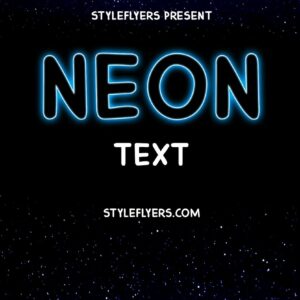
Named as a Photoshop ‘Neon Text Styles’ action, the download contains a PSD with an editable Smart Object; the Readme instructs opening the Smart Object, entering your text and saving to update the effect. Intended to produce neon-style glowing text for posters, social graphics and signage.
-

£4.00
Photoshop product that applies a high-contrast pop-art posterized effect via a Smart-Object PSD sample; insert your photo into the Smart Object and save (requires RGB 8-bit and English Photoshop). Includes a layered PSD and Readme with usage notes.
